How Long AI Actually Takes to Deploy at a $50M Company
Not 18 months. Not a weekend. A focused AI tool at a $50M operations company takes four to eight weeks, if your data is ready.
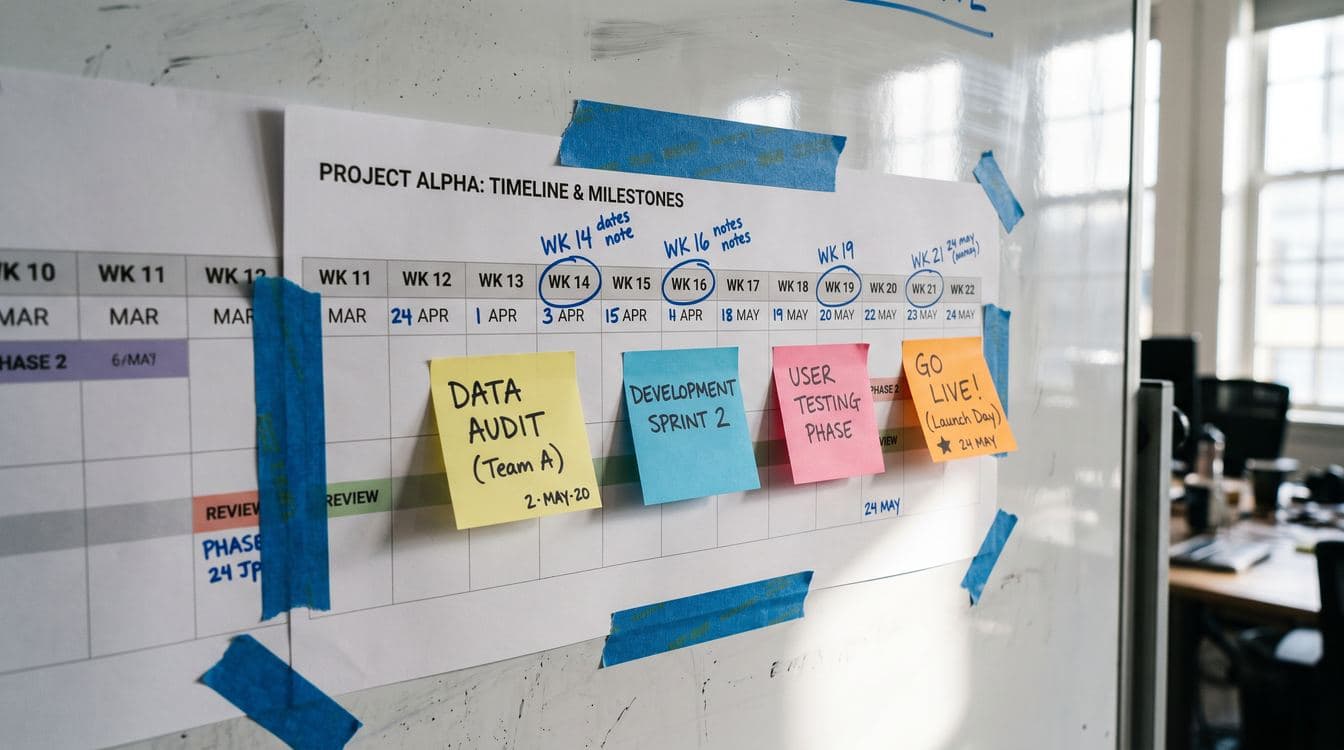
Most AI implementation timelines are written for enterprises with 18-month budgets or for developers spinning up chatbots over a weekend. Neither applies to a $50M operations company. A focused AI tool (claims triage, inventory reorder, proposal automation) takes four to eight weeks from discovery call to production. The biggest variable is how clean your data is. Half the timeline is data prep. The other half is building something your team will actually use on a Tuesday morning.
Your operations team will not use it if it adds friction. Your data is probably not as clean as your IT person thinks. And the timeline you get from an AI vendor is usually the shortest possible path through the best possible version of your company.
Here is what the calendar actually looks like.
The Honest Starting Point: What Kind of AI Are You Building?
There is a wide gap between "we installed Copilot for everyone" and "we built an AI agent that reads inbound damage claims and routes them to the right adjuster with a pre-filled summary." Enterprise software vendors have muddied the water by calling every feature an AI feature.
For the purposes of this post, AI deployment means a purpose-built tool that handles a specific operational workflow: claims triage, inventory reorder triggers, proposal generation, dispatch scheduling. Not a chatbot wrapper. A system that sits in a real process and changes how work gets done.
That is the kind of tool a $50M distribution company, general contractor, or field service operator actually needs. And that is the kind of tool this timeline covers.
Why the Standard Timelines Don't Apply to You
BCG found that 74% of companies cannot scale AI value past a pilot. Gartner data shows more than half of AI proof-of-concepts get abandoned before they reach production. McKinsey's research puts only about 1% of companies at genuine AI maturity.
Those failure rates are not because the technology doesn't work. They're because most AI programs get scoped for organizations that have a dedicated data science team, a clean data warehouse, and a change management budget. That is not you.
You have one IT person (maybe). Your operational data lives in three systems that don't talk to each other. Your team is already running lean, and any new tool competes with every other thing they have to do before noon.
The four-to-eight-week timeline in this post assumes you are doing a single focused deployment. Not an enterprise transformation. One workflow, production-ready, actually used by your team.
The Four Phases and Where Time Actually Goes
Phase 1: Discovery and Scoping (Week 1)
The first week is a working session, not a sales presentation. A good implementation partner will spend most of this time asking about your current workflow, not demoing features.
Questions that matter: How does a claim get flagged today? Who touches it? Where does the data live, and in what format? What does "done" look like for the person handling it?
By the end of week one you should have a defined use case, a clear success metric, and a preliminary view of what your data situation looks like. If you don't have those three things after week one, the project is already in trouble.
One red flag: any vendor who skips the data audit in phase one is setting you up for a month-six surprise.
Phase 2: Data Audit and Preparation (Weeks 2 through 4)
This is where almost every mid-market AI project either succeeds or quietly dies.
Data preparation consistently accounts for 50 to 80 percent of the actual work in any AI deployment. That is not an exaggeration from a vendor trying to pad the timeline. It is a function of how operational data accumulates over years of normal business operations: duplicate records, inconsistent naming conventions, fields that mean different things in different time periods, data that lives in PDFs or spreadsheets outside the main system.

A distributor with $50M in revenue might have 12 years of inventory transaction data in their ERP, but 40% of SKU records have inconsistent supplier names. A general contractor might have five years of job cost data, but three different project managers formatted the cost codes differently. Neither situation is unusual. Both require real work before AI can do anything useful with the data.
What happens in weeks two through four:
- Map the data sources the AI tool will need to read or write
- Identify gaps, duplicates, and format inconsistencies
- Clean or normalize the relevant subset (not the whole database)
- Confirm the integration path to your core system
You are not cleaning everything. You are cleaning the specific slice the tool needs to function correctly. That scoping distinction saves weeks.
If your data is unusually clean (it happens, usually at companies that have been on the same ERP for a long time and have enforced standards), this phase compresses to one week. If your data is a mess, it can stretch to five or six weeks, and the honest thing to do is tell you that upfront rather than discover it mid-build.
For more on why your operational data often diverges from what your system reports, see what your ERP says versus what's actually on the shelf.
Phase 3: Build and Integration (Weeks 3 through 6)
Build happens in parallel with the back half of data prep, which is how you stay inside the four-to-eight-week window.
For a focused tool, the build phase covers:
- The AI model configuration (prompt engineering, retrieval logic, output format)
- Integration with the system it reads from and the system it writes to
- The user interface, which for most operational tools means a simple queue or a field added to an existing screen
- Error handling: what happens when the AI is uncertain, when data is missing, when a human needs to take over
The user interface question deserves more attention than it usually gets. The tool that takes four weeks to build but requires your team to log into a new portal they don't use will be abandoned by week eight. The tool that surfaces results inside the screen your team already has open all day will actually change how work gets done.
This is the difference between a demo that looks good and a tool that gets used on a Tuesday morning when everyone is busy and nobody has patience for extra steps.
Phase 4: Pilot, Feedback, and Handoff (Weeks 5 through 8)
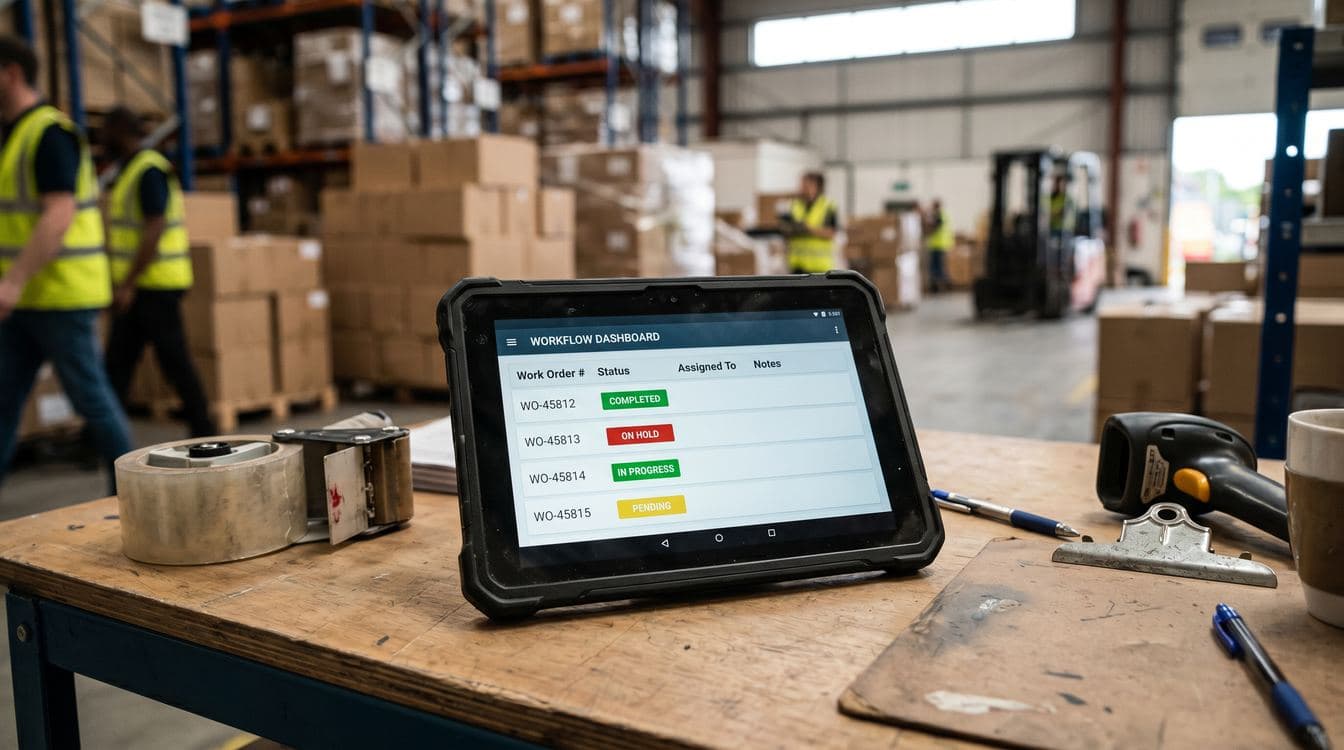
The pilot phase runs on live data with real cases, but with human review at each step. You are not turning the AI loose on production workflows unsupervised in week five. You are running it in parallel: the AI processes a claim, a human checks the output, and the feedback goes back to refine the model.
Two to three weeks of parallel running is usually enough to establish confidence. You will catch the edge cases (and there will be edge cases) without those edge cases causing operational problems.
The handoff includes:
- Documentation written for the person who will actually maintain it (often not a technical person)
- Escalation rules: what triggers human review, what the AI handles automatically
- A baseline metric so you know in thirty days whether it is working
Deloitte research on operational AI deployments consistently shows that the "last mile" of adoption, getting the team to trust and use the tool consistently, is where the most value gets lost. A two-week parallel pilot reduces that friction significantly compared to a big-bang go-live.
The Variables That Extend the Timeline
Data quality is the biggest one. If your claims data has been entered by ten different people with ten different naming conventions over five years, you are adding two to four weeks of normalization work before build can start.
Integration complexity is the second. A modern ERP with documented APIs (Epicor, NetSuite, Acumatica) is a different problem than a legacy system with no API layer where data lives in SQL tables your vendor won't give you access to. The second scenario adds weeks and often requires a different architectural approach.
Scope creep is the third. The single biggest schedule risk on any focused AI deployment is the meeting in week three where someone says "and while we're at it, could it also..." Every addition resets part of the timeline. Define the scope in week one, put it in writing, and protect it.
Team availability is the fourth. The implementation requires roughly four to six hours of your team's time per week: a project lead who owns the business requirements, and access to whoever knows the operational workflow being automated. If those people are unavailable because it's a busy quarter, the project drags. This is the variable that most often turns a six-week project into a twelve-week project.
A Realistic Calendar
For a single focused use case at a $50M company with reasonably clean data:
- Week 1: Discovery and scoping
- Weeks 2 to 3: Data audit, source mapping
- Weeks 3 to 4: Data normalization, integration setup
- Weeks 4 to 6: Build, model configuration, UI
- Weeks 6 to 8: Parallel pilot, feedback, refinement
- Week 8: Production handoff
Eight weeks is the outer bound for a well-scoped project with normal data complexity. Four weeks is achievable when the data is clean and the use case is tight. Six weeks is the most common actual outcome.
If a vendor tells you it will take three to six months for a single workflow, ask specifically what is driving that timeline. Sometimes there are legitimate complexity reasons. More often it is a consulting-style project plan that adds phases for comfort rather than necessity.
If they tell you they can do it in two weeks, ask what they are skipping. Usually it is the data audit. That will catch up with you.
For more on how to evaluate what vendors are actually telling you versus what you need, see how to evaluate AI vendors without a CTO.
What This Does Not Cover
This is a deployment timeline for a single focused tool. It is not a roadmap for replacing your ERP, deploying AI across every department, or building a data platform. Those are different projects with different timelines.
SmartDev's analysis of mid-market AI deployments shows that companies that start with one well-scoped tool and measure real outcomes before expanding are significantly more likely to reach meaningful scale than companies that try to transform multiple workflows simultaneously. The logic is straightforward: one successful tool builds organizational confidence and data quality simultaneously, making the second tool faster to deploy.
The four-to-eight-week window is specifically about the first tool. Once it is in production and working, the next one gets easier.
The Real Test Is Week Ten
Any vendor can get something working in a demo environment. The question is whether your team is still using it six weeks after go-live, when the novelty has worn off and it is competing for attention with everything else.
That is the test this timeline is designed to pass. The parallel pilot in weeks six through eight exists specifically to build the habit before you're on your own. The documentation exists for the person who inherits the tool in eighteen months when the original project lead moves on. The narrow scope exists so the tool does one thing reliably instead of five things inconsistently.
If you are a $50M operations company trying to figure out whether a specific workflow is a good candidate for AI, we can walk through it. Granular builds operational AI for mid-market companies in distribution, field services, and contracting. No discovery fees, no 90-day assessment first.
Sign up for the Field Notes newsletter to get frameworks like this one delivered when they're useful, not on a vendor's email schedule.
Keep Reading
- How to Evaluate AI Vendors Without a CTO — A practical framework for vetting AI vendors when you don't have a technical team to run point.
- What AI Actually Costs at a 20-Person Shop — The real numbers behind AI deployment costs at smaller operations companies, from build fees to ongoing maintenance.